Resolve Printer Error Codes
When your printer displays a cryptic error code starting with 0x, follow these steps to identify and resolve the underlying problem.
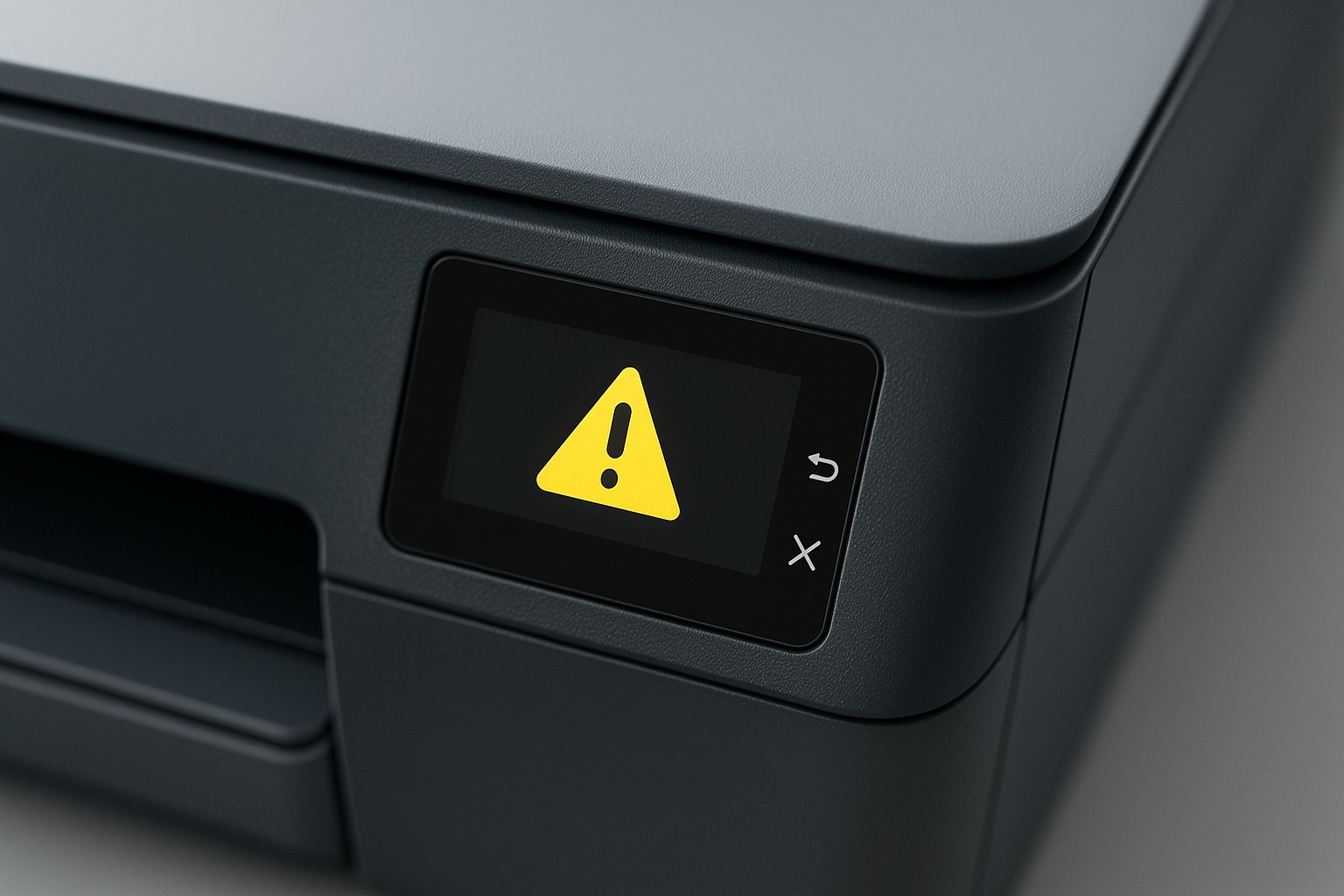
Step 1 – Capture the code
- Write down the full error code as it appears on the printer display.
- Take a photo of the screen for reference if needed.
- Look for any accompanying messages that describe the fault.
Step 2 – Restart the printer
- Power off the printer, wait at least 30 seconds, then power it back on.
- This can clear temporary glitches that trigger generic codes.
- Check if the error returns after restart.
Step 3 – Search for specific fixes
- Enter the exact code into the search bar at the top of this site to find an article tailored to that error.
- Manufacturers often publish documents explaining common 0x codes and their solutions.
- If the code isn’t listed, try contacting support with the code and your printer model.
Step 4 – Update firmware
- Updating your printer’s firmware can resolve many generic error codes.
- Download the latest firmware package from the manufacturer and follow the on‑screen instructions.
- Do not power off or disconnect the printer during the update.
If the error persists after following these steps, there may be a hardware malfunction. Contact support for further assistance.