Clear Paper Jams
Paper jams are one of the most common printer issues. Follow this guide to safely clear jams and reduce the likelihood of them happening again.
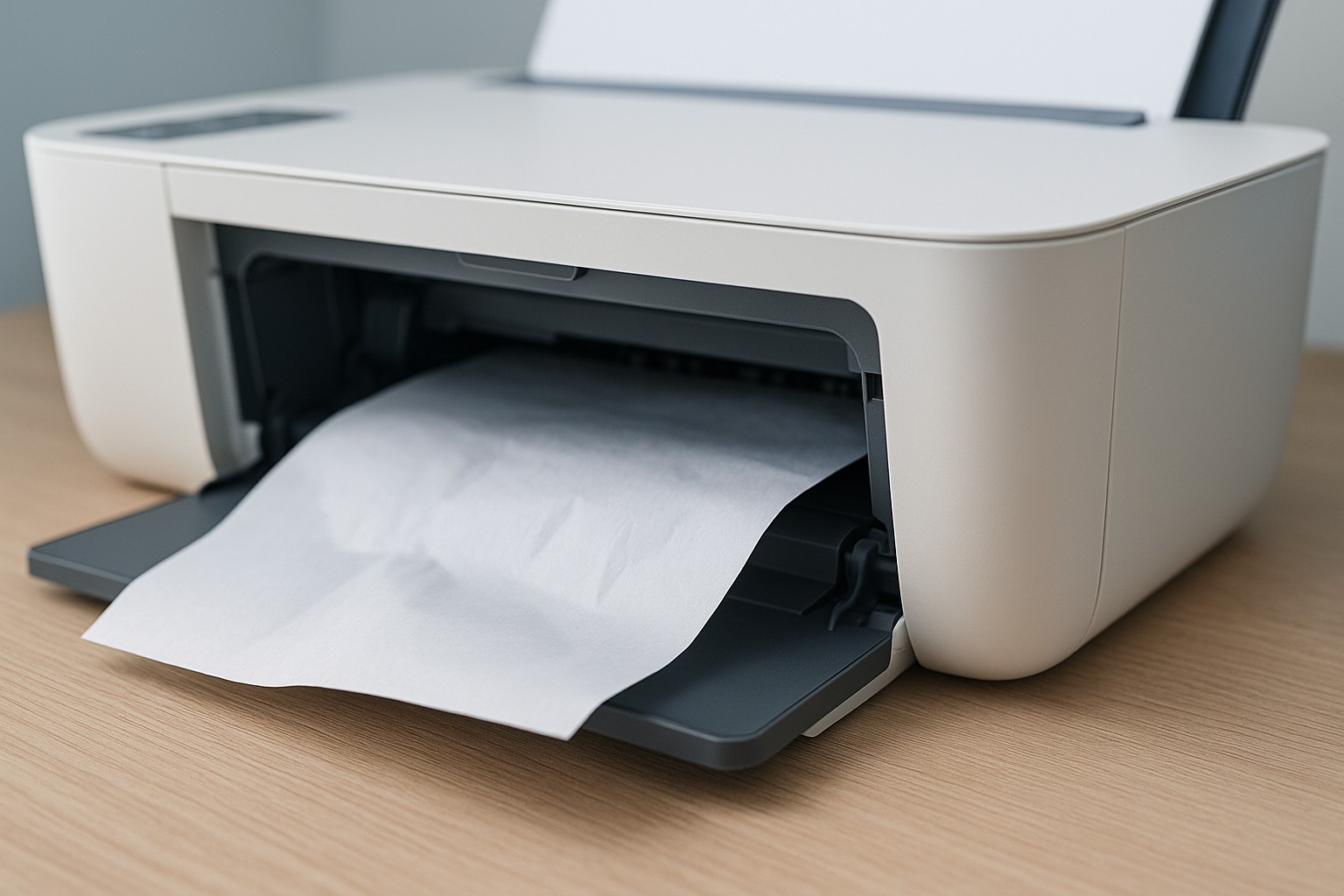
Step 1 – Power off and unplug
- Turn off the printer and unplug it from the power source to prevent any movement during clearing.
- Wait a few seconds for internal components to stop.
Step 2 – Remove visible jams
- Open all access points: rear door, paper tray and top cover.
- Gently pull out any jammed paper. Use both hands to avoid tearing the paper.
- If the paper tears, carefully remove all fragments so they don’t get stuck in rollers.
Step 3 – Inspect rollers and paths
- Check the feed rollers for dust or debris. Clean them with a lint‑free cloth lightly moistened with water.
- Look for obstructions in the paper path and remove them.
- Ensure the paper tray is adjusted to the correct paper size to prevent future jams.
Step 4 – Reload and test
- Reload the paper tray with fresh, properly aligned paper. Avoid overfilling the tray.
- Plug the printer back in and turn it on.
- Print a test page to verify that the jam is cleared.
Step 5 – Prevent future jams
- Use the recommended paper type and size for your printer.
- Store paper in a dry place to prevent moisture that could cause sticking.
- Keep the paper path clean by performing regular maintenance.
If your printer continues to jam after following these steps, our support team can help diagnose mechanical issues.