Fix Scanner Not Working
If your all‑in‑one printer’s scanner is unresponsive or produces errors, follow these steps to restore scanning functionality.
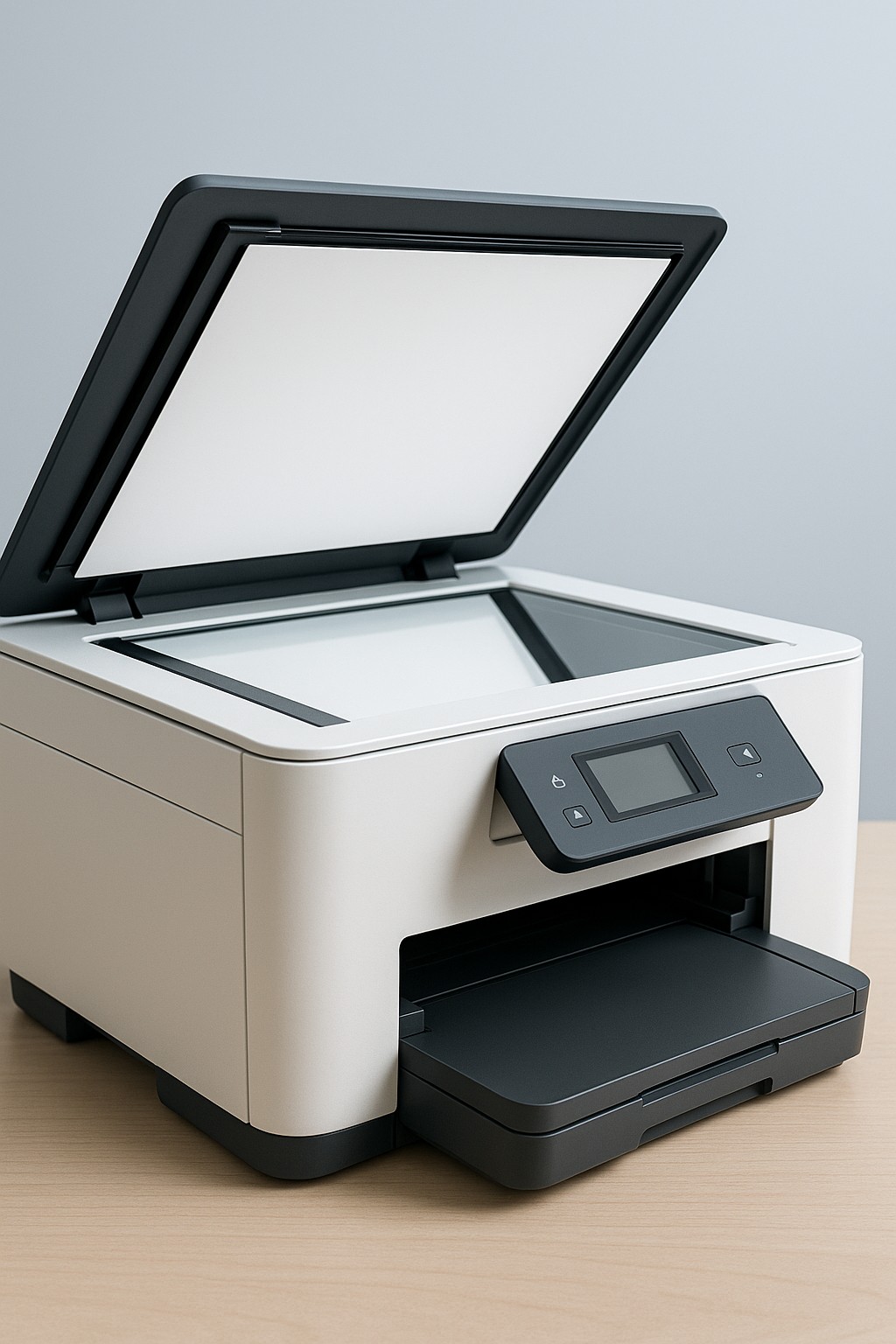
Step 1 – Restart the printer
- Turn the printer off, wait 30 seconds, then power it back on to reset the scanner module.
- Make sure there are no error messages on the display after restart.
Step 2 – Check the lid and glass
- Ensure the scanner lid is fully closed before starting a scan.
- Clean the scanner glass with a soft, lint‑free cloth to remove dust or smudges.
- Verify that documents are positioned correctly on the glass or in the feeder.
Step 3 – Reinstall or update scanner drivers
- Visit your printer manufacturer’s support page and download the latest scanner drivers.
- Install the drivers and restart your computer to complete the setup.
- If scanning from a mobile device, update the companion app to the latest version.
Step 4 – Test with another application
- Try scanning using a different program (such as Windows Fax and Scan or the macOS Image Capture app).
- If one application works, the issue may be with your original software.
- Check firewall or security software settings if network scanning fails.
If the scanner still doesn’t work after these steps, contact our support team for advanced troubleshooting.