Fix Streaks or Faded Prints
Uneven, streaky or faded prints are often caused by clogged nozzles or low ink levels. Follow these troubleshooting steps to restore crisp output.
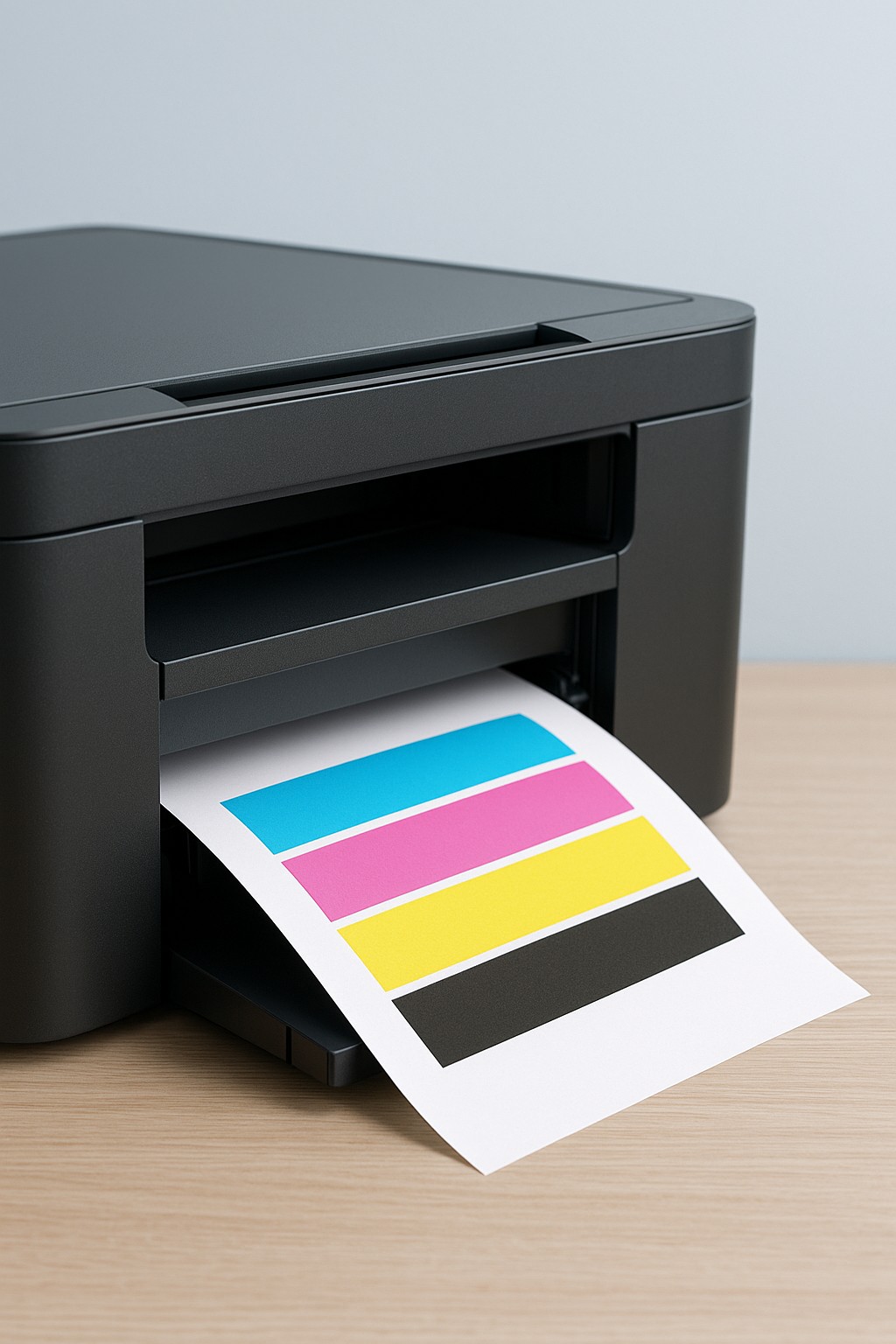
Step 1 – Clean the print heads
- Use your printer’s built‑in maintenance menu to run the print head cleaning utility.
- After cleaning, print a test page to check if the streaks are gone.
- If necessary, run a second cleaning cycle, but avoid excessive cleaning as it uses ink.
Step 2 – Check ink or toner levels
- Verify that all cartridges have sufficient ink or toner; replace any that are low or empty.
- Shake toner cartridges gently side to side to redistribute toner evenly.
- Ensure cartridges are seated properly in their slots.
Step 3 – Calibrate and align the print heads
- Run the print head alignment routine from the printer’s control panel.
- Use plain white paper for best accuracy.
- Review the alignment results and repeat if indicated by the printer.
Step 4 – Use the right paper and settings
- Select the correct paper type in the printer driver (e.g., photo paper, plain paper).
- For photos, choose high‑quality mode; for drafts, choose a lower quality to save ink.
- Ensure the paper you’re using is clean and stored in a dry place.
If you still see streaks or faded areas after trying these steps, there may be a mechanical issue that requires service.